Sign-in methods
Secret Squares first. Plus everything people already have.
Secret Squares need nothing but the device the user already works on. Authenticator apps, security keys and Yubico OTP are there for those who already have them.
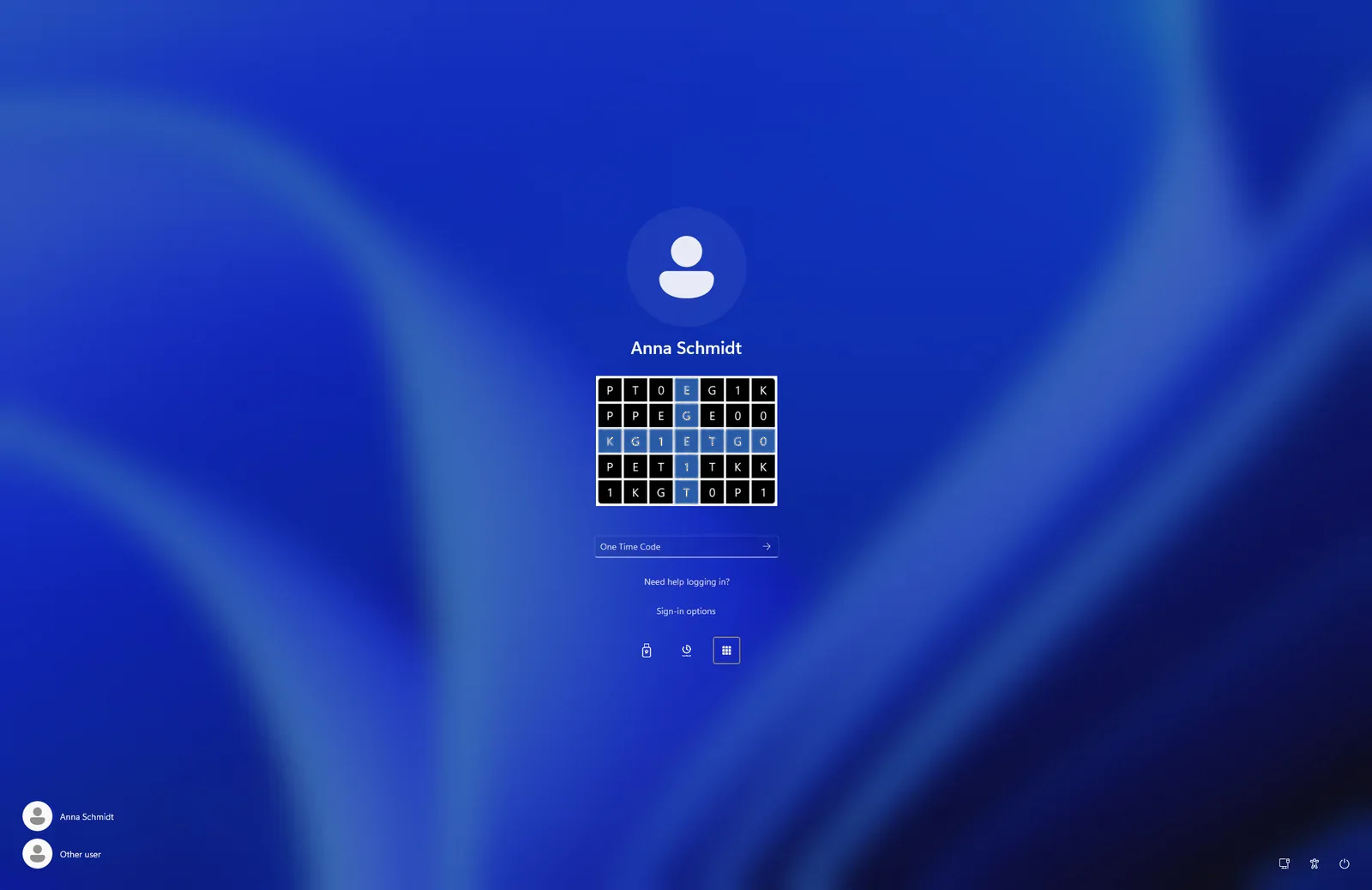
- GRIDGrid (Secret Squares)The user reads their secret squares off a grid made by their own PC or Mac. Nothing to buy.
- FIDO2FIDO2 security keys and passkeysHardware security keys (USB or NFC) with a PIN or fingerprint, from any maker, and passkeys in the browser.
- OATHAuthenticator appGoogle Authenticator, Microsoft Authenticator or any other authenticator app, with an optional PIN.
- OTPYubico OTPThe one-time password of a YubiKey, with a touch. Yubico’s own feature, separate from FIDO2.
Four ways to sign in. Each person chooses.
Each person picks the way that suits them: Secret Squares, an authenticator app, a security key or Yubico OTP. Nobody has to use more than one, and they can add more later.
GRID · Secret Squares
Secret Squares in depth
A method built on Secret Squares that turns the brain’s ability to remember shapes into a secure one-time code.
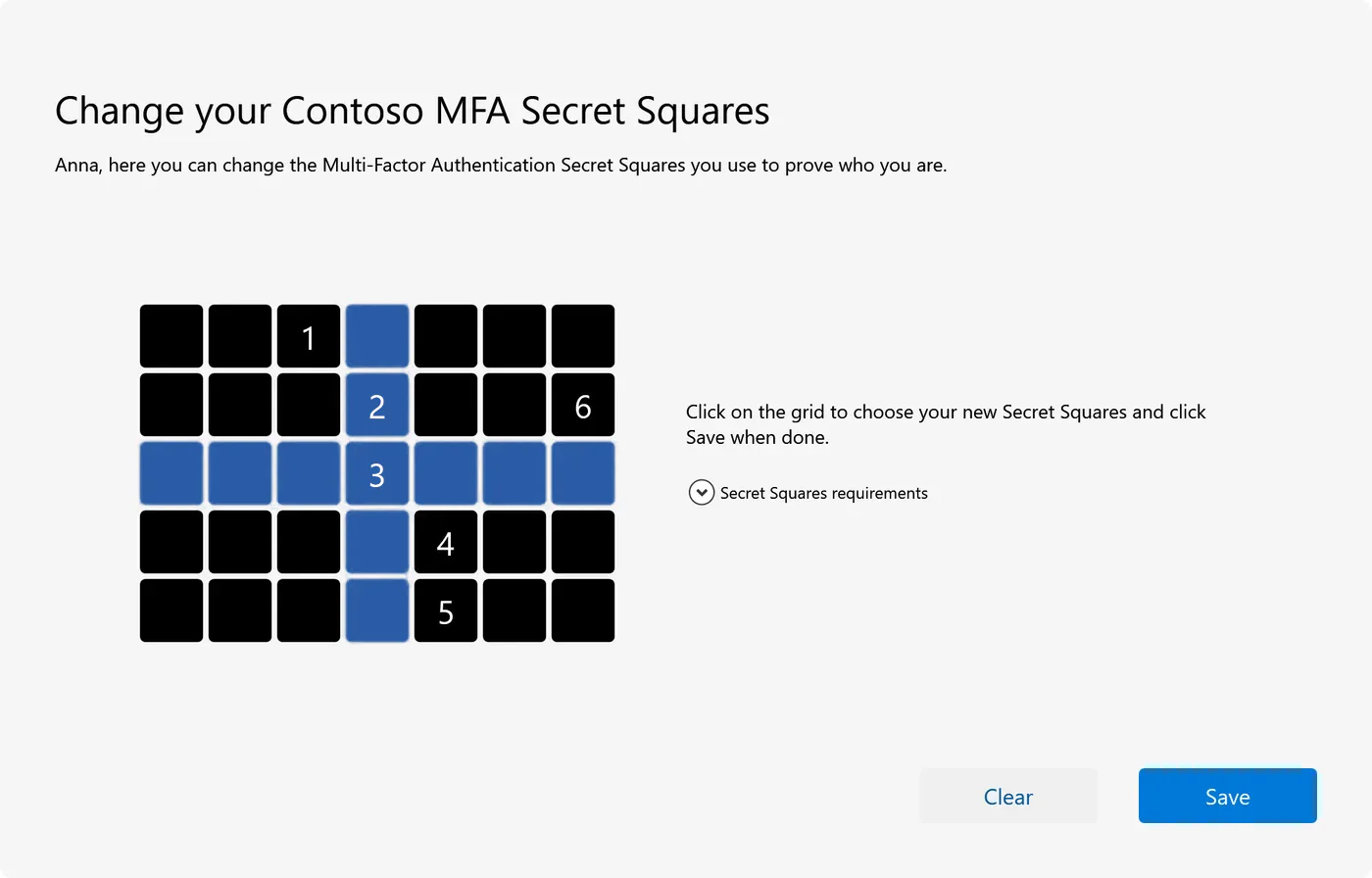
Choose your squares
On first use, a short wizard asks the user to click a few squares in an order only they know. A square may be chosen twice, a straight line is not allowed, and your organisation sets the minimum. The chosen squares stay secret.
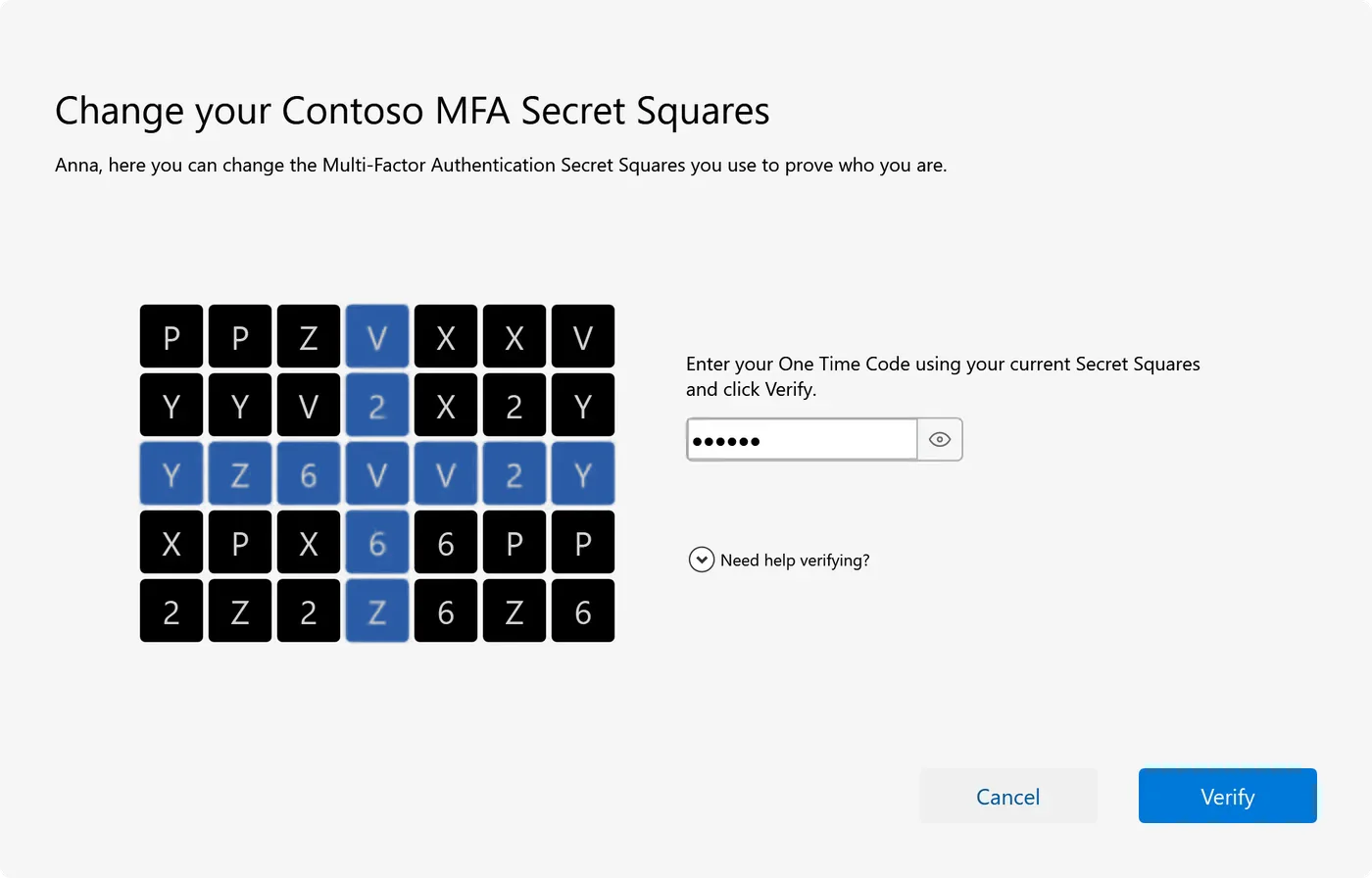
The device shows a grid
The characters in the grid are calculated from the identity of the PC or browser (HMAC-SHA512, keyed by the device’s ID) and change every 30 seconds.
The squares give the code
The user reads the character in each of their squares, in the order they chose them, and types them as the code. The blue cross on the grid is just for orientation. Every code works once.
Signed in
Password or not: with Secret Squares and the linked device the user has proved two factors, right at the familiar login window.
What else it does
- Passwordless: the grid alone can replace the password at the Windows logon, over Remote Desktop, at the Mac login window, with VPN and on the web.
- Offline: at the Windows logon the grid needs no network, and Linux servers keep working when the network is down.
- Device policy per customer: open, first use (the default) or approval required.
- Approve a new computer or browser from one the user already uses.
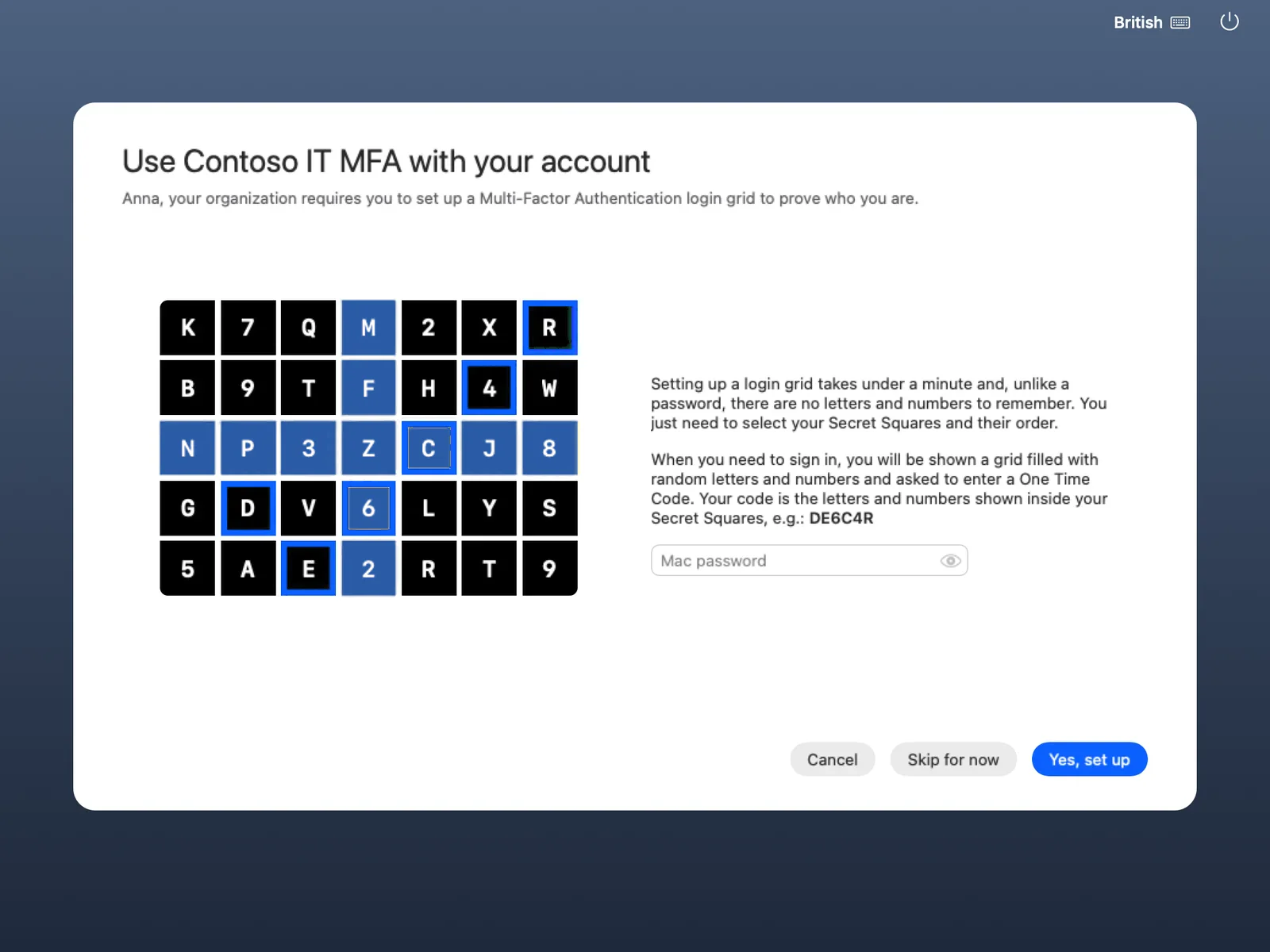
- Forgotten squares? Users choose new ones at the logon screen with a code sent by email.
- "Show grid" in the tray or the Mac menu bar turns the user’s own PC into the code source for VPN and SSH prompts.
OATH · Authenticator apps
Authenticator apps, if people already have one
Users who already use Google Authenticator, Microsoft Authenticator or another authenticator app can use it with Twin Verify. It is optional.
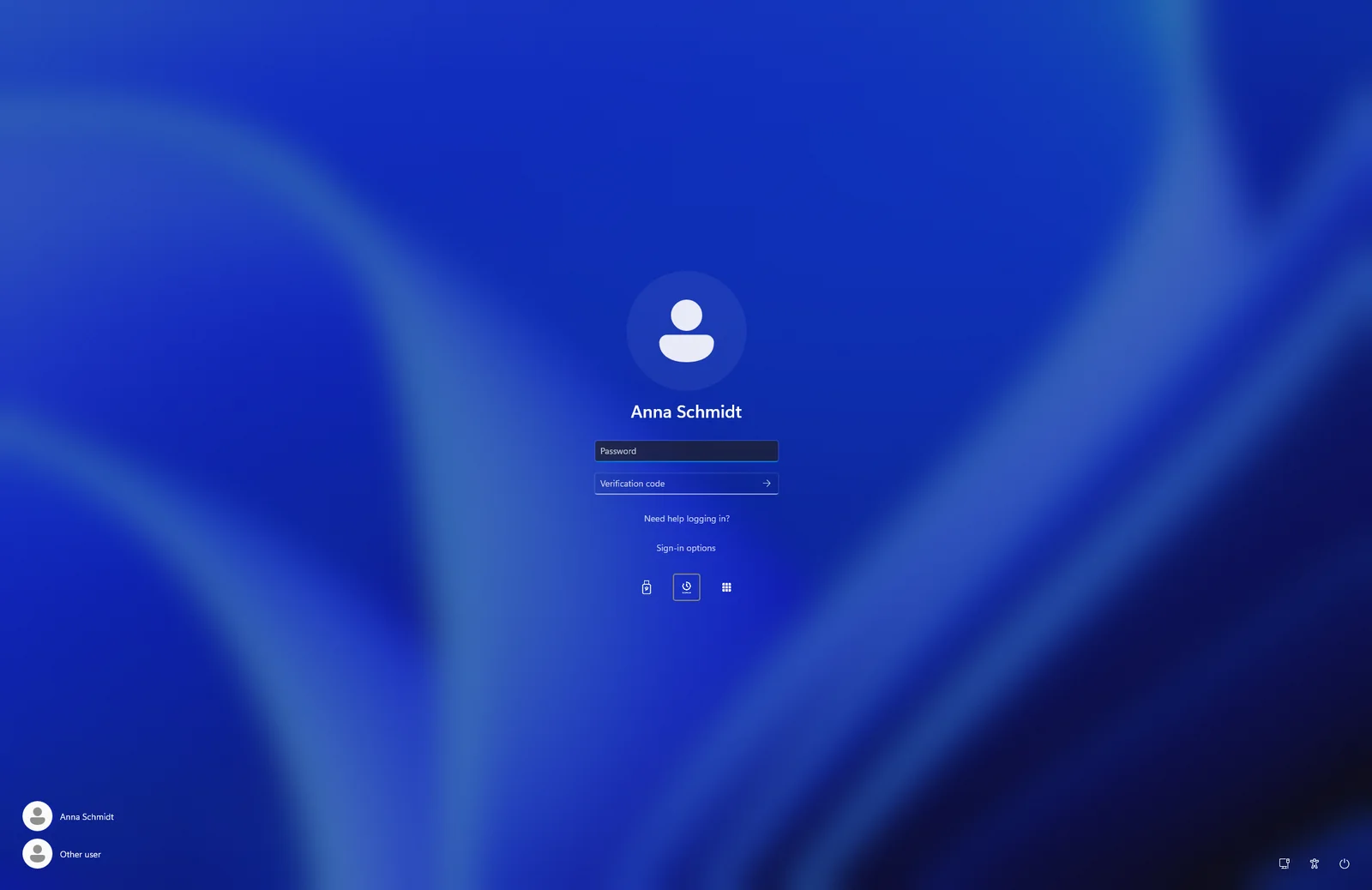
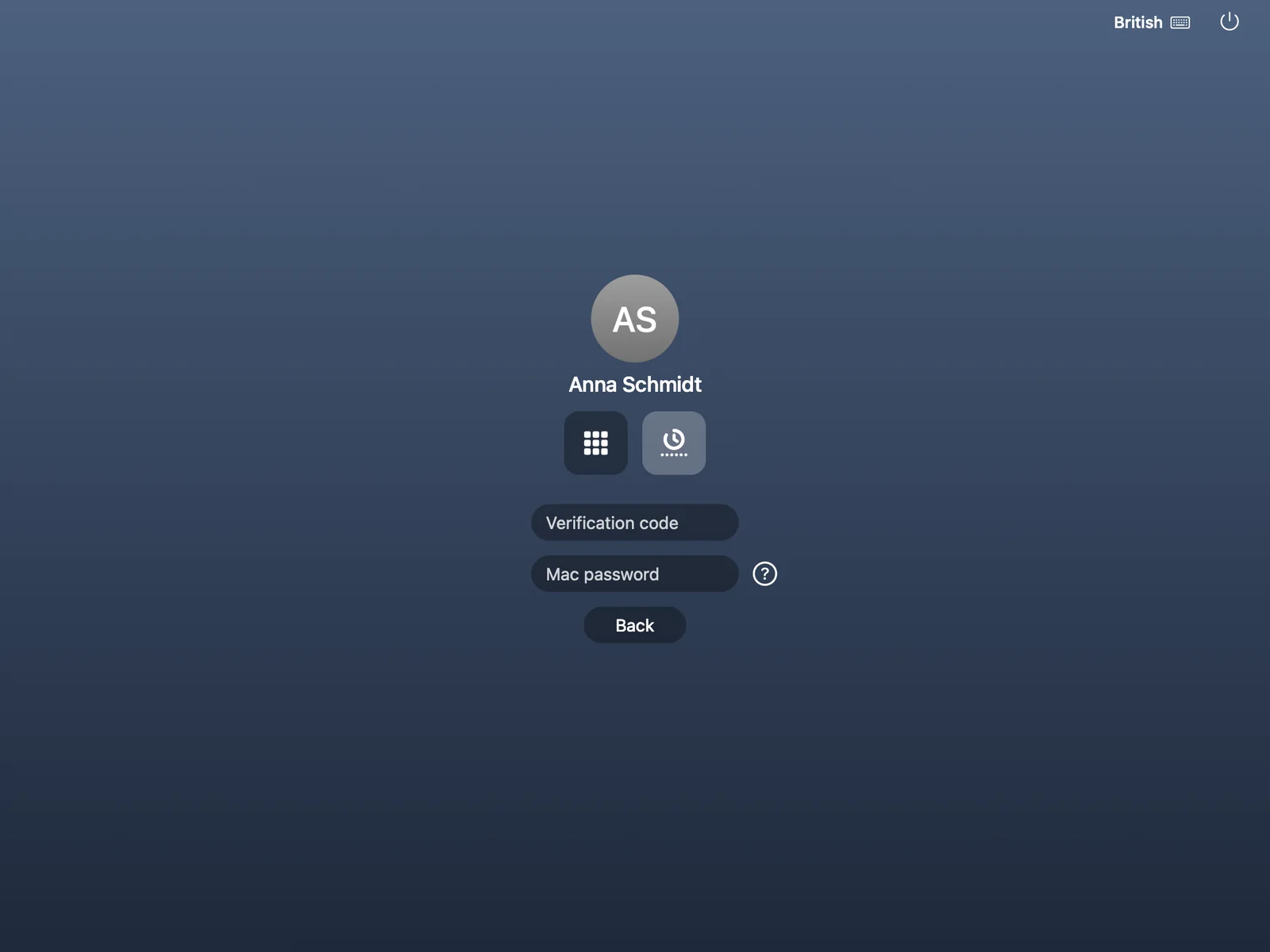
- Works at the Windows logon (also offline), at the Mac login window, on Linux servers, with RADIUS and VPN, and for web sign-in.
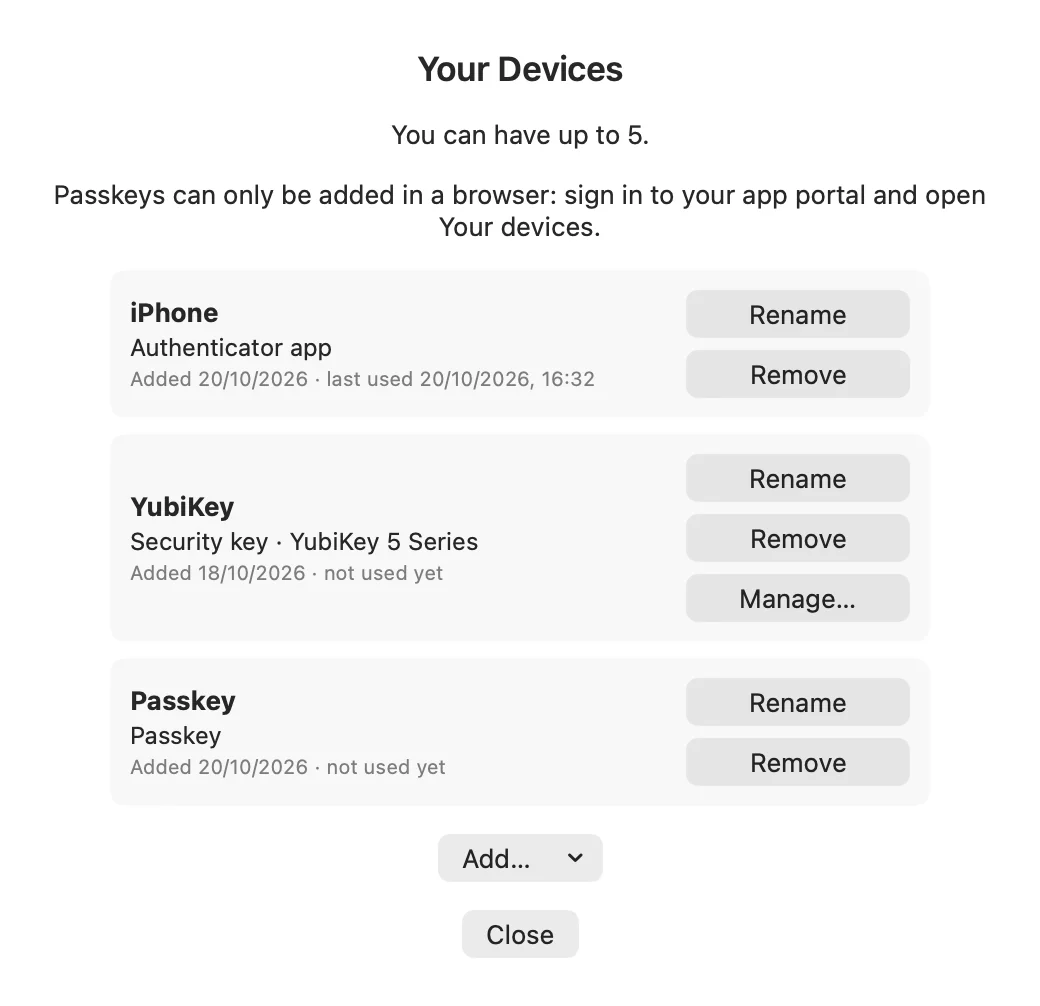
- Users add and remove their apps themselves under "Your devices"; an email tells them when an app is added.
- Nobody has to install anything: Secret Squares keep working for everyone else.
- Authenticator PIN: a user can type a PIN plus the app code instead of the password at the Windows logon, at the Mac login window, in Windows Security prompts, on the web and over RADIUS. Off by default; you set the minimum length.
FIDO2 · Security keys and passkeys
Security keys and passkeys (FIDO2)
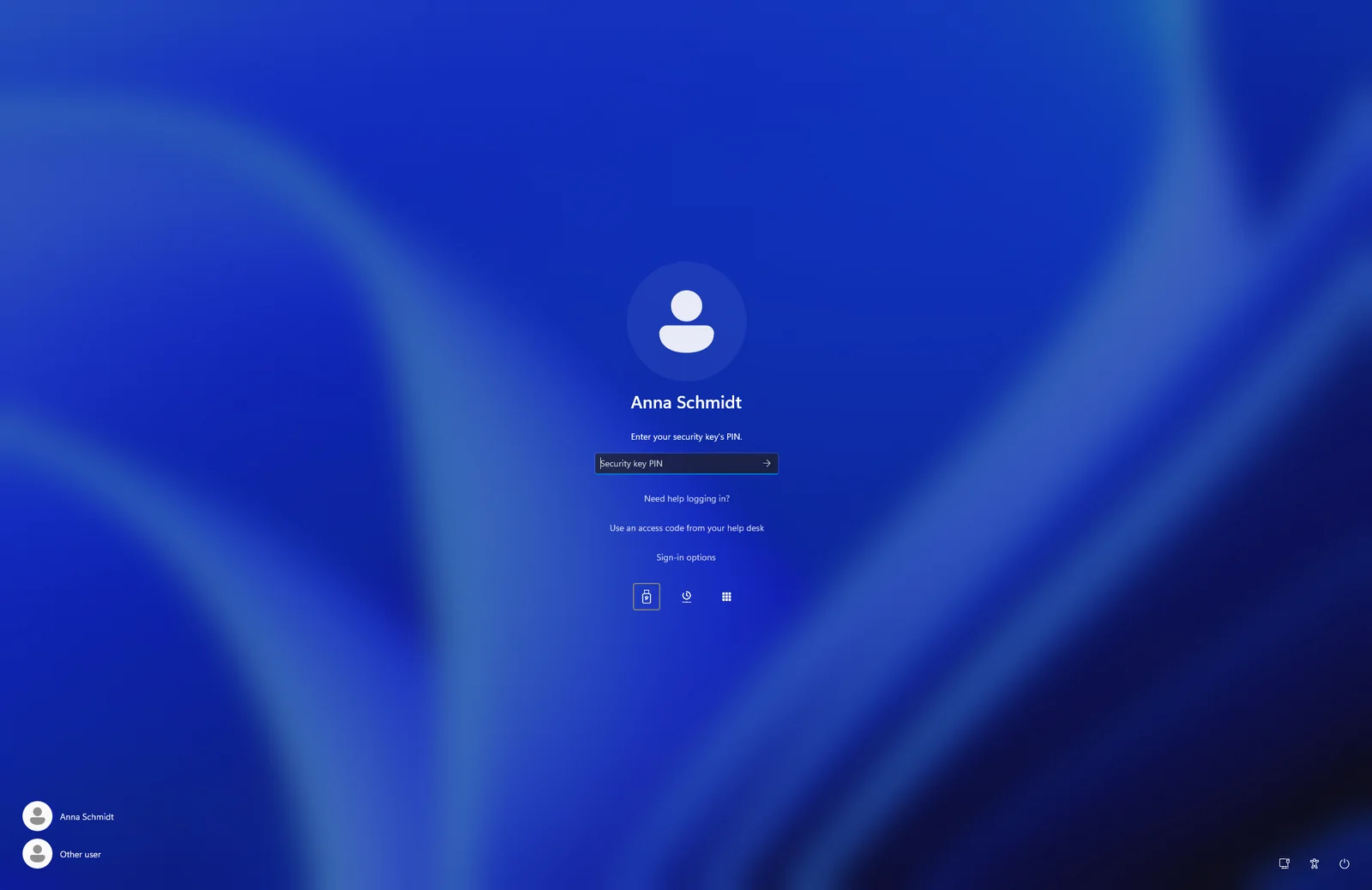
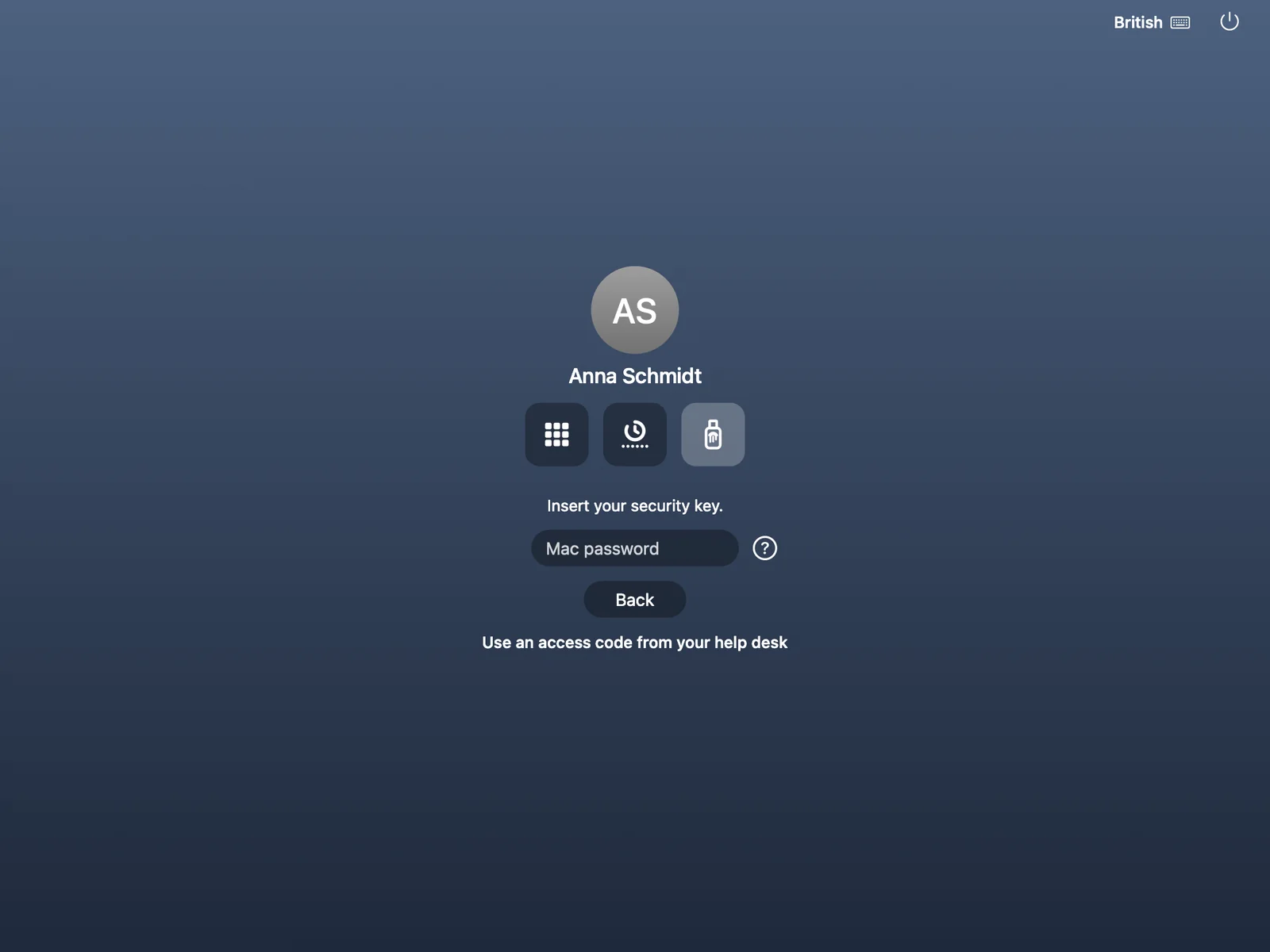
FIDO2 security keys (USB or NFC) with a PIN or fingerprint, for the people who already own one, from any maker. And passkeys in the browser.
- Any FIDO2 security key works, from any maker.
- At the Windows logon and unlock, also offline.
- At the Mac login window.
- For web sign-in and single sign-on: security keys and passkeys.
- Users manage the key’s PIN and fingerprints from the tray.
- Over Remote Desktop every other method works, including passwordless sign-in; only security keys are not available there.
- You decide which kinds count: security keys, device-bound passkeys and synced passkeys are allowed separately, and you can require proven key models.
OTP · Yubico OTP
Yubico OTP for YubiKey owners
Yubico OTP is the one-time-password feature of a YubiKey: touch the key and it types a code. It is Yubico’s own feature and separate from FIDO2, which is why it has a place of its own here.
- Touch the YubiKey and its one-time password is the second factor, at the Windows logon, over Remote Desktop, at the Mac login window, with VPN and on the web.
- It is checked online, so it needs a connection.
- Part of the Pro licence.
- Also on Linux servers, online.
- The same YubiKey can also work as a FIDO2 security key: that is a different feature, described above.
Help desk
Temporary access code
When someone is locked out, the help desk issues a temporary 10-digit access code. It works at the Windows logon, over Remote Desktop, at the Mac login window and on Linux servers.
Recovery without a ticket
Users reset their Secret Squares themselves with a code sent by email to a separate recovery address. Whenever an app or key is added to an account, an email tells the user.
Overview
Which method works where
A tick means the method is available there.
| Method | Windows logon and unlock | Remote Desktop | Mac login window | RADIUS and VPN | Web and Microsoft 365 | Linux servers |
|---|---|---|---|---|---|---|
| GRIDSecret Squares (password and grid) | Yes | Yes | Yes | Yes | Yes | Yes |
| FIDO2FIDO2 security key | Yes | No | Yes | No | Yes | No |
| FIDO2Passkey | No | No | No | No | Yes | No |
| OATHAuthenticator app | Yes | Yes | Yes | Yes | Yes | Yes |
| OATHAuthenticator PIN (instead of the password) | Yes | Yes | Yes | Yes | Yes | No |
| OTPYubico OTP | Yes | Yes | Yes | Yes | Yes | Yes |
| Passwordless (no password to type) | Yes | Yes | Yes | Yes | Yes | No |
| Help-desk access code | Yes | Yes | Yes | No | No | Yes |
- With RADIUS, the code comes from "Show grid" in the tray or the Mac menu bar, from an authenticator app or from a Yubico OTP.
- At the Windows logon, Secret Squares, authenticator apps and security keys work offline. Linux servers keep working when the network is down.
- Security keys do not work over Remote Desktop.
- A Yubico OTP is checked online, so it needs a connection.
Ready for a sign-in people do not work around?
Tell us about your organisation and we will show you how Twin Verify fits. Write to us or call us.